Mini Code Editor BETA
A downloadable tool for Windows
Mini Code Editor
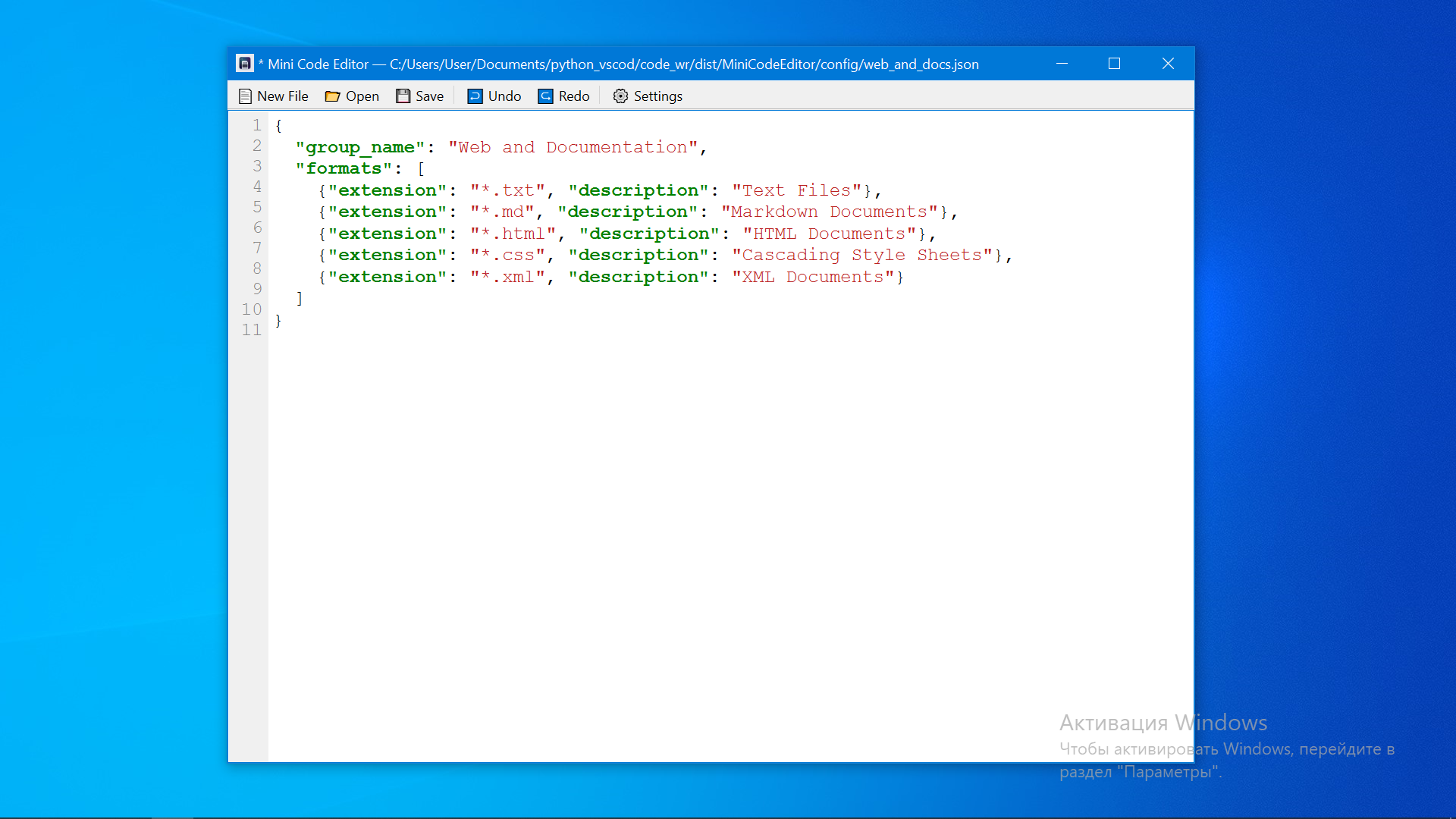
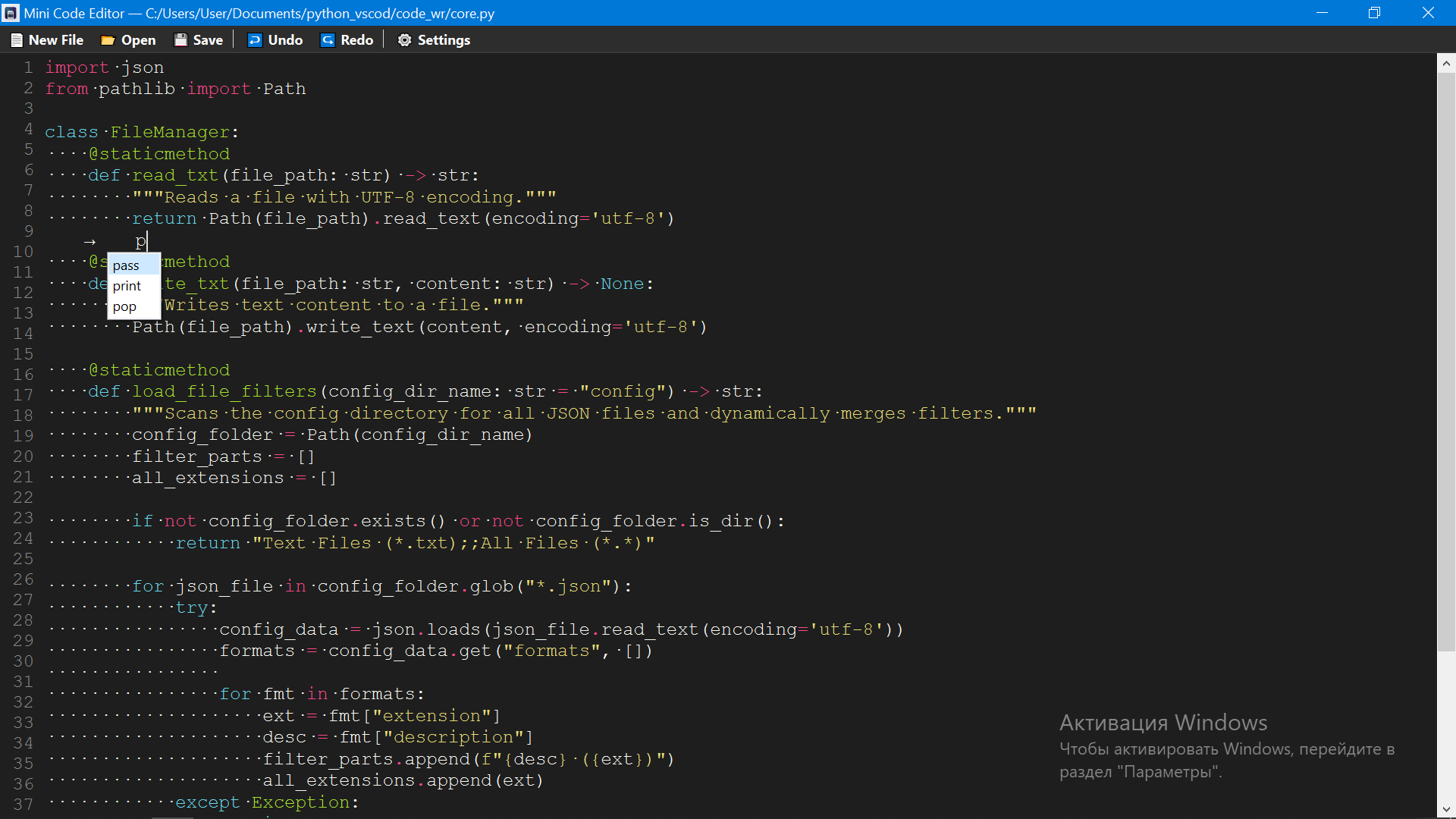
Mini Code Editor is a lightweight, distraction-free text editor designed specifically for developers who prefer speed and simplicity over heavy, bloated IDEs. It provides a clean, minimalistic environment to view and edit code without sacrificing essential modern features.
Key Features
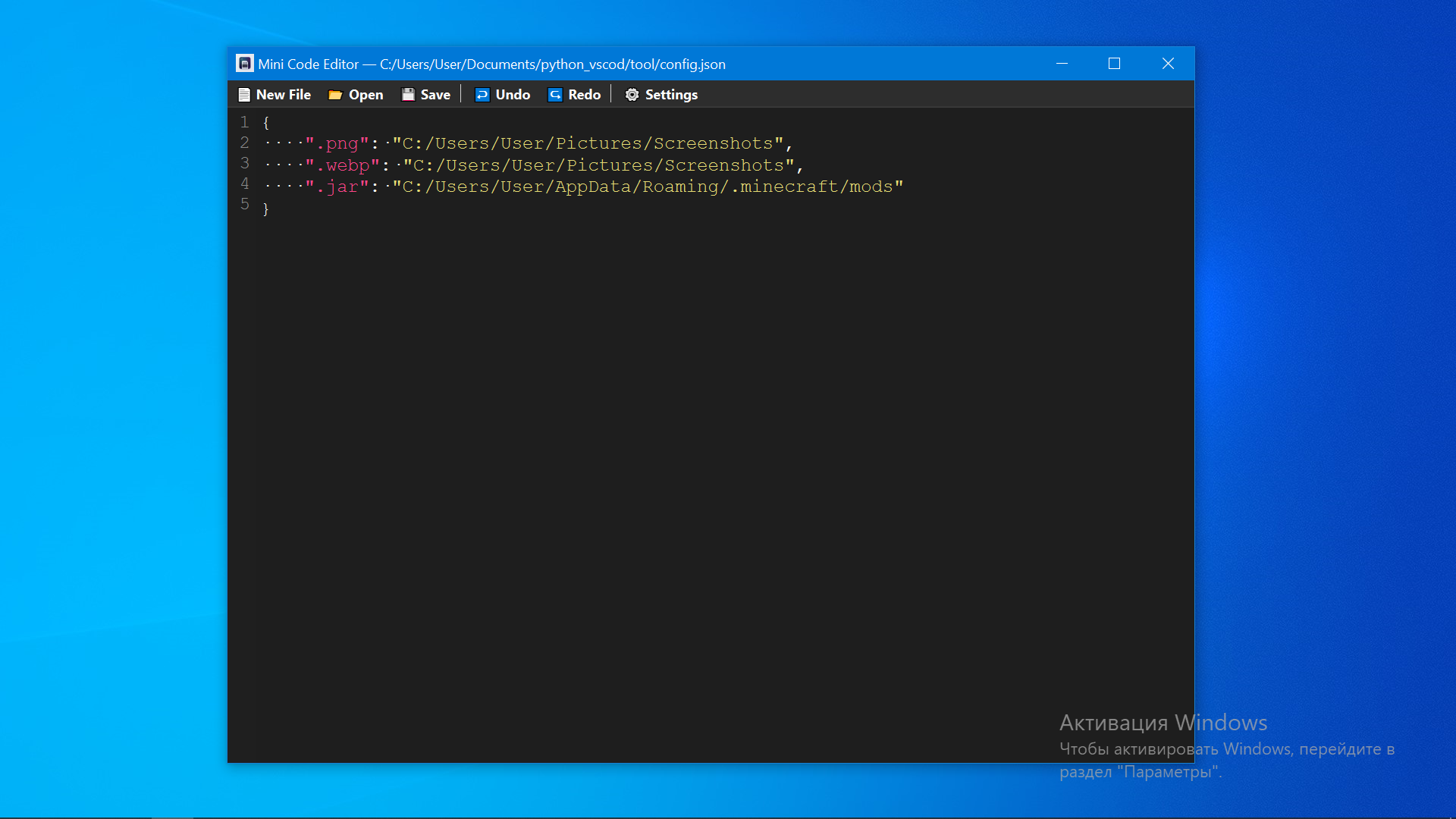
- Comprehensive Language Support: Out-of-the-box support for over 20+ file formats, dynamically managed via external configuration files.
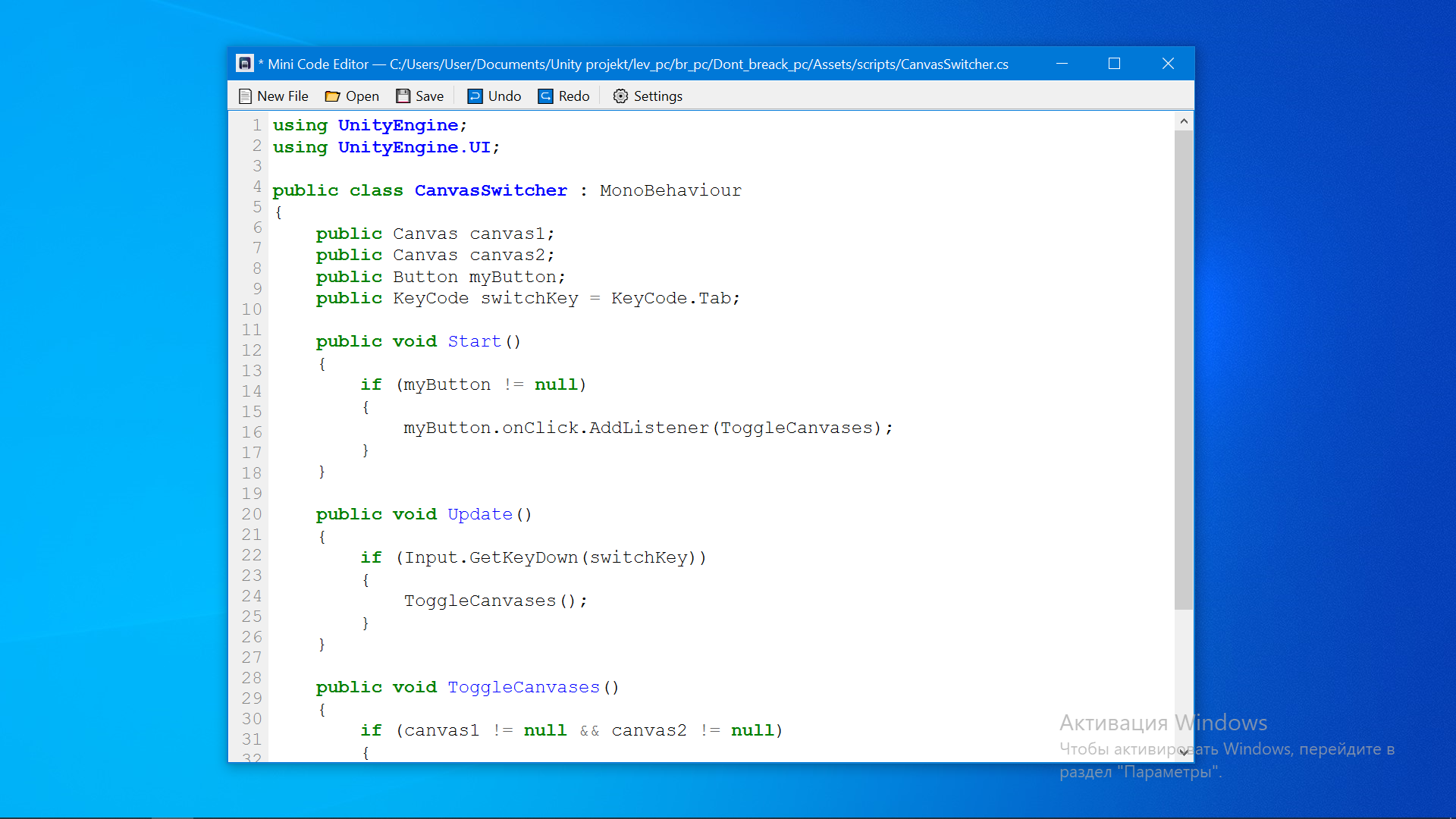
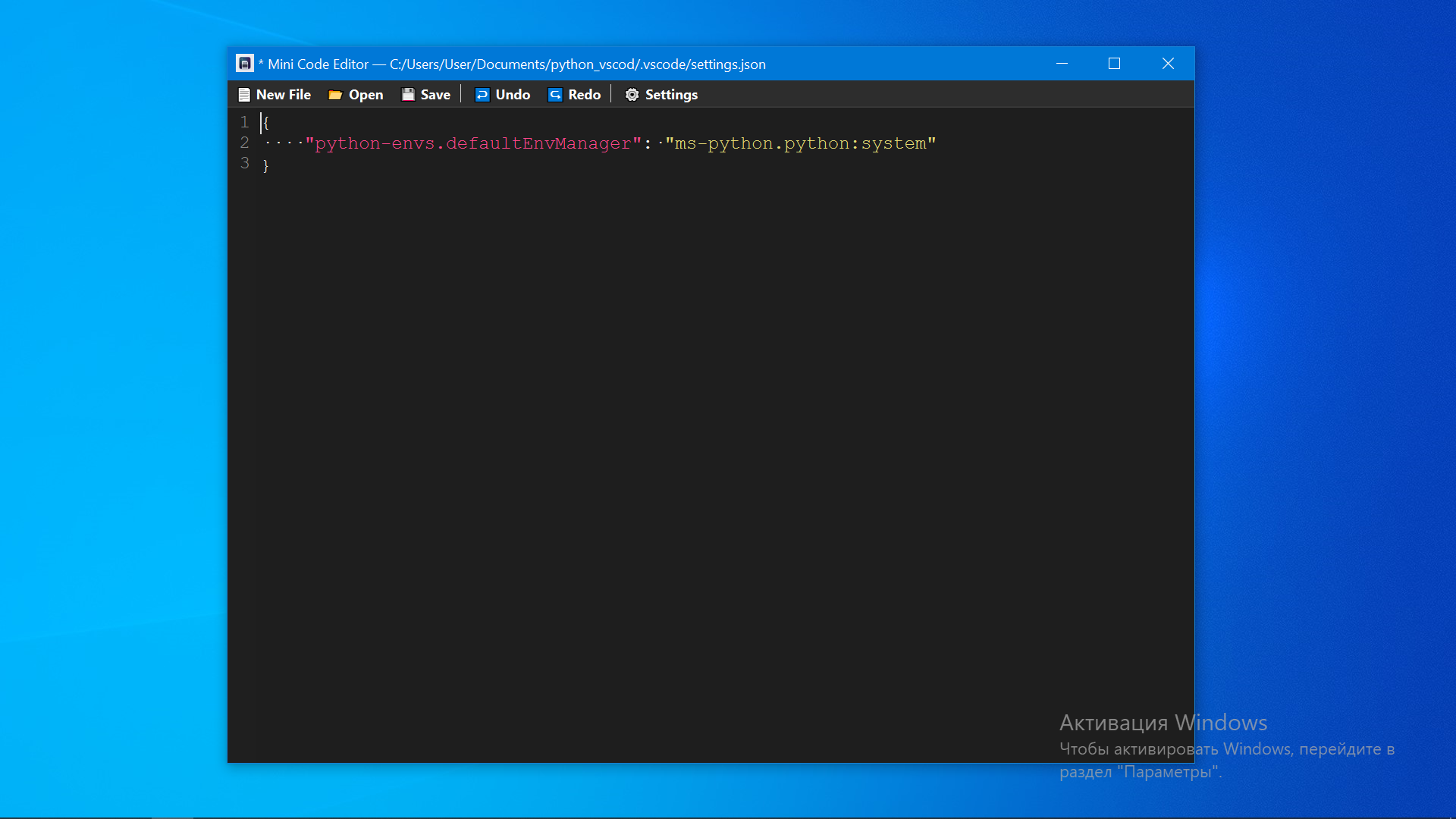
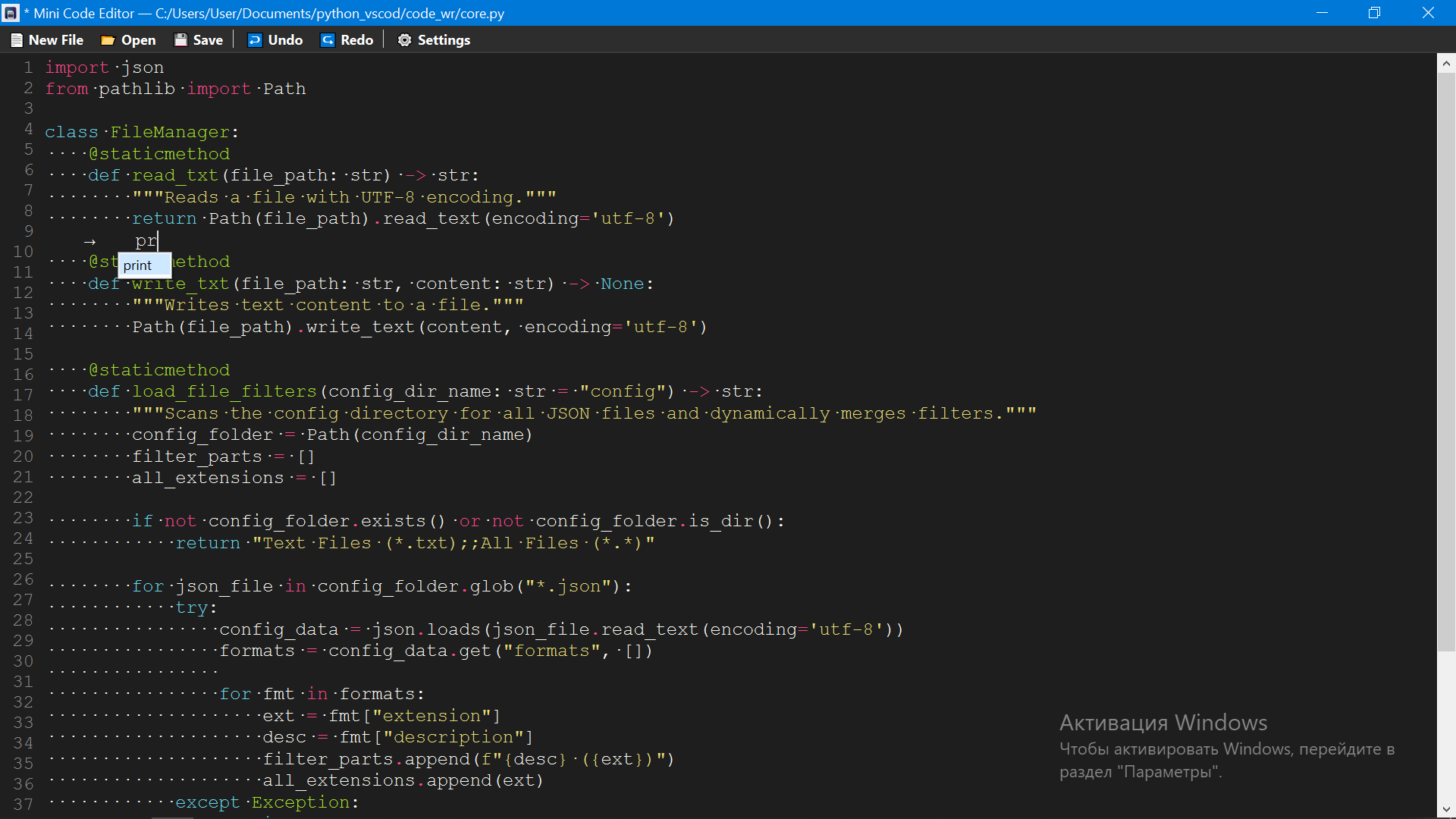
- Syntax Highlighting: Full contextual code colorization powered by the robust Pygments engine, adapting perfectly to any code structure.
- Intelligent Code Suggestions: Fast, case-insensitive auto-completion (IntelliSense) tailored dynamically to the active file extension (Python, Web stack, C++, C#, and more).
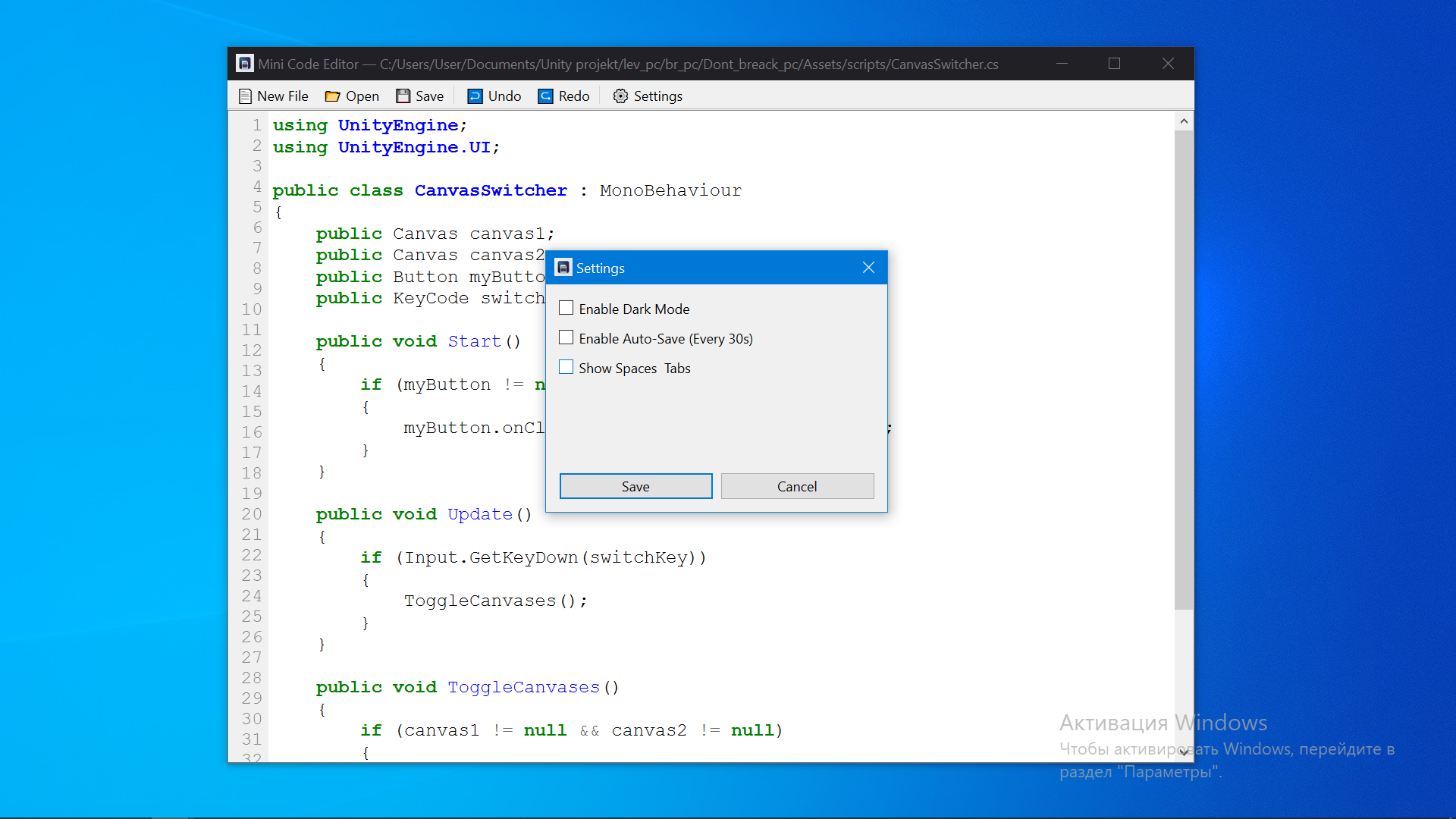
- Customizable Interface: Instant switching between beautifully optimized Dark and Light themes, including customized editor styling.
- Fluid Font Scaling: Quick font resizing via
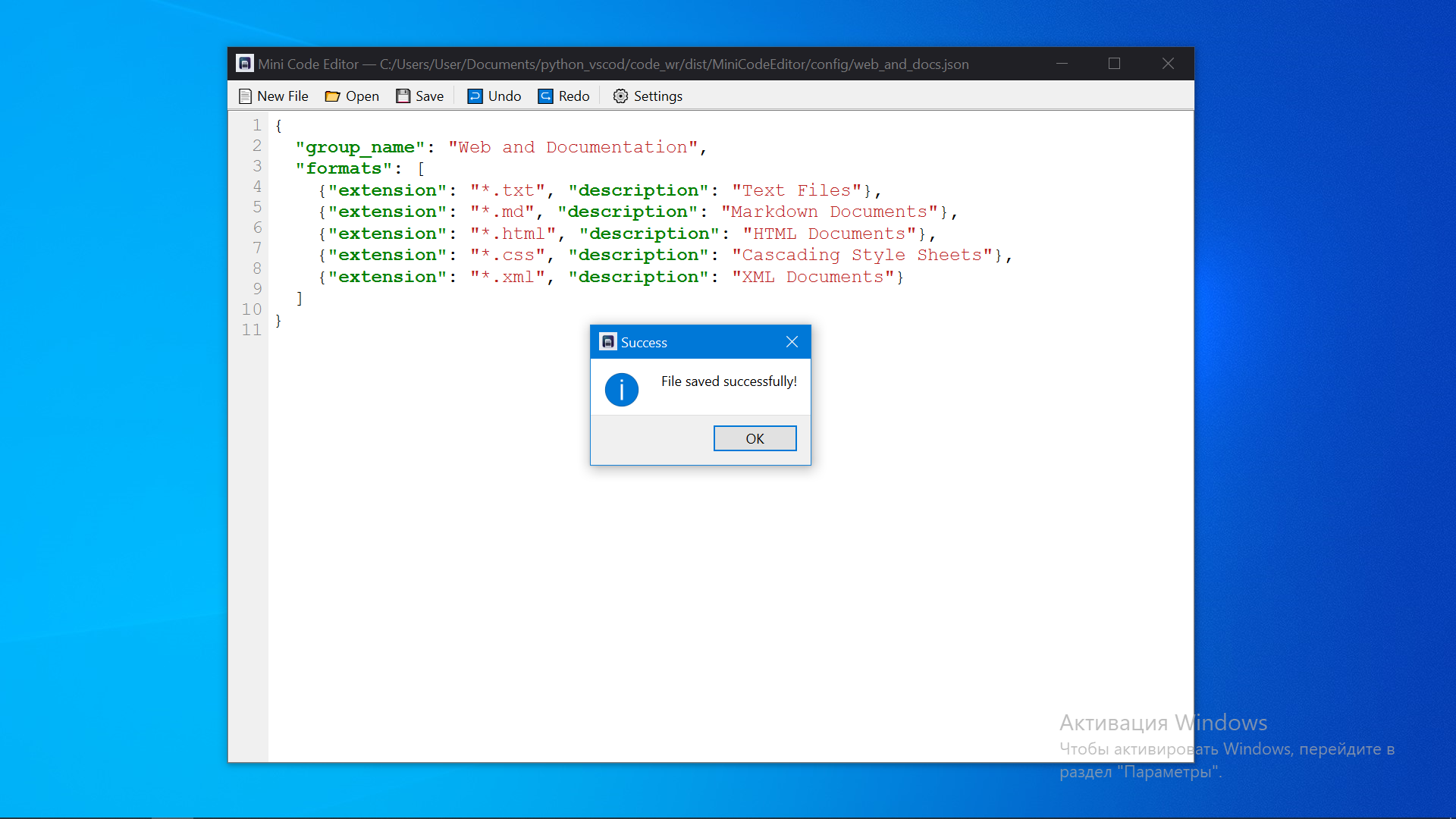
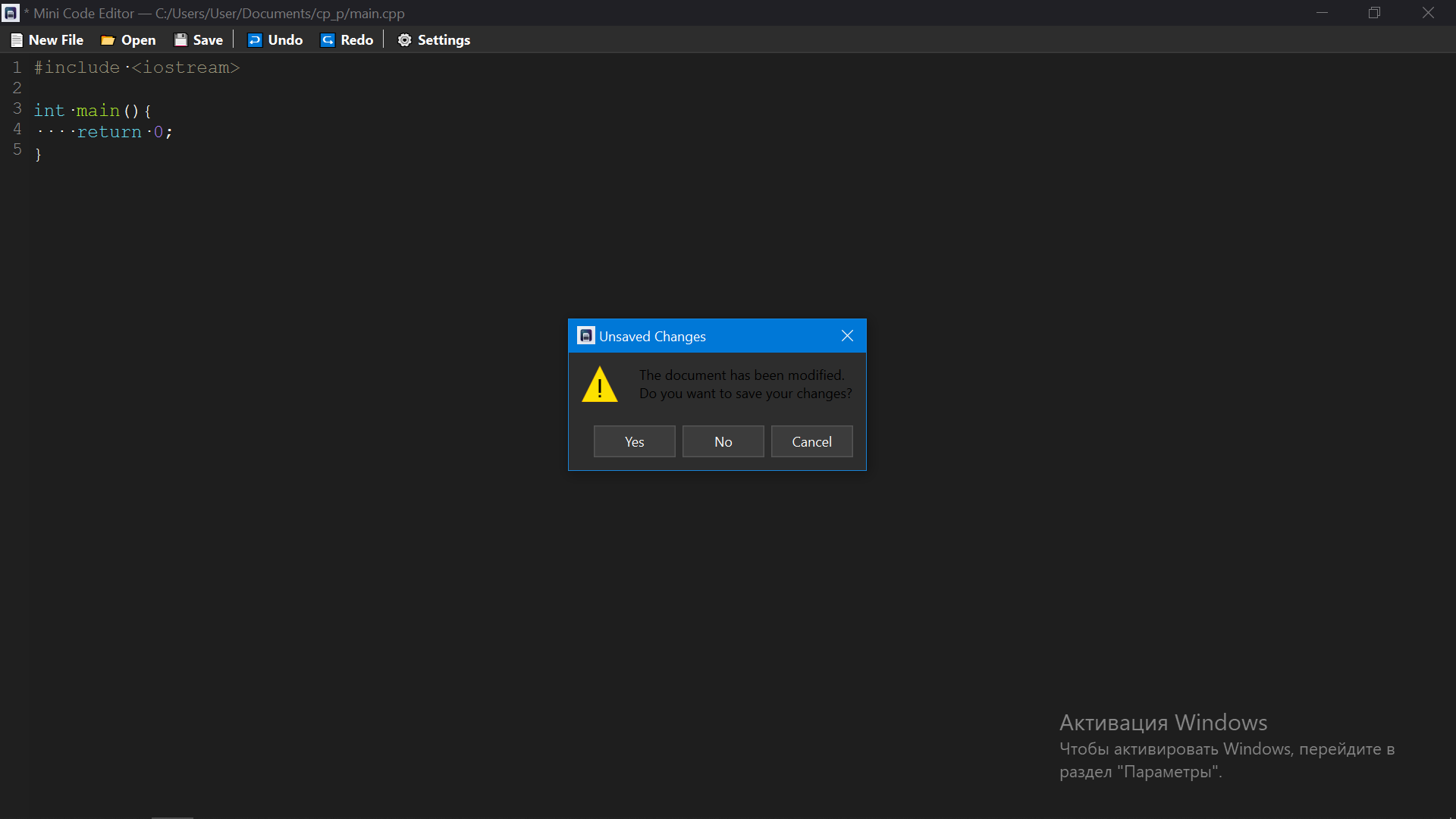
Ctrl + Mouse Wheelfor comfortable reading and presentation. - Smart Safety Counters: Built-in safeguards including unsaved changes detection, confirmation popups, and automated background file saving.
Supported Ecosystems
- Web Development: HTML5, CSS3, JavaScript (ES6+), XML.
- Programming Languages: Python, C++, C#, Java, Rust, Go, Kotlin, Swift.
- Documentation: Markdown, Plain Text (
.txt).
Why Choose Mini Code Editor?
Unlike massive modern editors that consume gigabytes of RAM, Mini Code Editor starts instantly, features adaptive line numbering, and keeps your project's workspace entirely uncluttered. It is the perfect daily driver for quick scripts, config adjustments, and lightweight software development.
Download
Install instructions
🚀 Installation and Launch Guide
- Download the Archive: Click the download button and save the
MiniCodeEditor.zipfile to your computer. - Extract All Files: Right-click the downloaded ZIP archive and choose "Extract All..." (or use any zip tool like WinRAR/7-Zip) to unpack it into a separate folder.
- Keep Everything Together:
⚠️ Important: Do not move theMiniCodeEditor.exefile out of its extracted folder! The program absolutely needs the_internalandconfigfolders to stay right next to it to function properly. - Run the Editor: Double-click on
MiniCodeEditor.exeto launch the application. No installation process or setup wizard is required!
Development log
- new tool8 days ago
Leave a comment
Log in with itch.io to leave a comment.